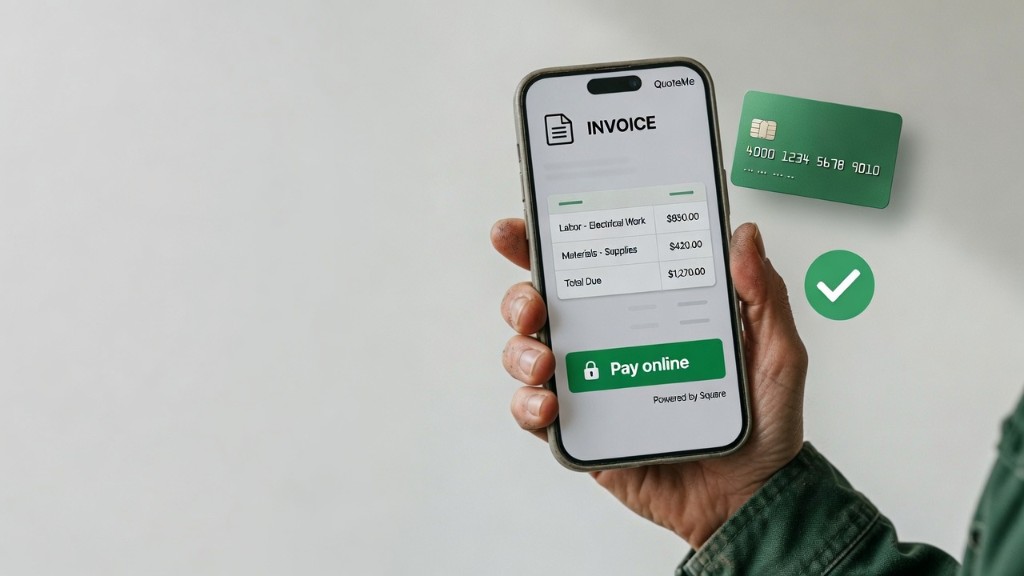
Get Paid the Moment the Job's Done: Online Invoice Payments with Square
You finished the job, the customer was happy, you sent the invoice — and then you waited. Maybe you texted a reminder. Maybe you drove back out to pick up a check. Maybe you’re still waiting. Every contractor knows this part of the work, and it’s the least satisfying part of all: the gap between finishing the job and actually having the money in your account.
We built online invoice payments to close that gap. Connect your own Square account once, and every invoice you send through QuoteMe gets a secure “Pay online” button. Your customer taps it, pays by card, and the invoice marks itself Paid — automatically. No chasing, no “did that check clear,” no manual bookkeeping. And here’s the part we’re proudest of: QuoteMe charges nothing on those payments.
The problem with how most invoices get paid
A check or “I’ll pay you Friday” puts the work back on you. You become the accounts-receivable department for your own business, sending reminders and keeping a running list in your head of who still owes what. The friction isn’t just annoying — it costs you money. Every day an invoice sits unpaid is a day that cash isn’t in your account, and every awkward follow-up text is a little dent in an otherwise good customer relationship.
The fix is to make paying you the easiest thing your customer does all day. When there’s a button right on the invoice, most people just pay it on the spot — the same way they’d pay for anything else online. We’ve written before about what to do when a customer won’t pay, and the honest truth is that the best collection strategy is removing every reason to delay in the first place.
How it works
The whole thing is built around doing the setup once and then forgetting about it.
- Connect once. A team owner goes to Settings → Payments and connects your existing Square account. It uses industry-standard OAuth, which is a fancy way of saying QuoteMe never sees or stores your Square password or any card numbers. You’re linking the account you already have — not creating a new one.
- Send an invoice like always. When you generate an invoice, the “Pay online” button is added to it automatically. You don’t have to do anything different.
- Your customer pays. They open the invoice — on the web, or from the link in their email or text — and pay by card through Square’s secure checkout. No app to download, no account to create. Just a card and a tap.
- It marks itself paid. QuoteMe links the payment back to that exact invoice, so it flips to Paid on its own and you watch it update in real time. No spreadsheet, no reconciliation, no guessing.
That last step is the one that quietly changes your week. The invoice you sent is the same invoice that gets paid and the same invoice that updates your books. One record, start to finish.
Bring your own Square account — the money is yours
This isn’t QuoteMe becoming a middleman for your money. You connect your own Square account, and payments flow straight into it. QuoteMe isn’t a payment processor or a bank, and it never holds or transfers your funds. We’re simply adding a secure way to pay on top of the invoices you’re already sending.
If you already use Square for in-person card swipes, this slots right in next to it — same account, same deposits, same dashboard. If you don’t have Square yet, it’s free to set up, and connecting it unlocks online payments on every invoice you send from QuoteMe.
The big one: QuoteMe takes no cut
Let’s be direct about fees, because this is where a lot of tools quietly nick you.
QuoteMe charges nothing on online payments. No percentage, no per-transaction fee, no markup. Money is collected through your own Square account, and Square’s standard processing fees are billed to you by Square — exactly as they are today, whether you swipe a card in person or take a payment online. QuoteMe is not adding a charge on top of that and is not taking a slice of the transaction.
The only thing QuoteMe ever charges is its standard 1% on signed quotes, and that hasn’t changed and has nothing to do with this feature. If you want the full reasoning behind that model, we laid it out in why QuoteMe has no monthly fee. The short version: we only make money when you win work, and collecting payment on a job you already won shouldn’t cost you extra on our end.
Pass the card fee on — clearly, if you want to
Some contractors prefer to absorb card processing as a cost of doing business. Others would rather pass it along. QuoteMe supports both.
If you offer “Credit Card + X% fee” on a quote, QuoteMe can automatically add that surcharge as a clearly itemized line at checkout — your customer sees “Invoice amount” and a separate “Credit Card Payment Charge,” so the math is transparent and there are no surprises. And because this checkout is built specifically for contractor invoices, your customers are never hit with a tip prompt. They’re paying a bill, not buying a coffee.
Deposits and progress payments work the same way
Online payments aren’t just for the final invoice. Need money up front for materials before you start? Send a partial invoice and collect a deposit online the same way. Running a longer job in stages? Each progress invoice gets its own “Pay online” button and marks itself paid when it’s collected. It’s the same simple flow, whether you’re collecting 25% up front or the final balance at the end. If you’re still deciding how much to ask for at signing, how much deposit a contractor should collect walks through the number, the exceptions, and the state caps.
Secure by design
Trust matters when money is involved, so this was built carefully. Card details are handled entirely by Square’s PCI-compliant checkout — QuoteMe stores no card numbers, ever. The connection between QuoteMe and Square uses OAuth, so your Square credentials stay between you and Square. And connecting or disconnecting Square is limited to team owners, which keeps control of your payment setup in the right hands while still letting the rest of your crew send invoices that include the pay button.
It all works across web, iOS, and Android. The “Pay online” button shows up on the public invoice and in the invoice emails and texts your customers receive, and you manage everything from the QuoteMe app.
Get paid faster, with less work
Put it together and the workflow finally runs end to end without you babysitting it: quote the job, get it signed, do the work, send the invoice, and get paid — with the invoice quietly reconciling itself the moment the money lands. That’s the whole point. The faster and easier you make it to pay you, the sooner that cash is yours and the less time you spend playing collections.
If you’re already sending quotes and invoices through QuoteMe, connecting Square takes a couple of minutes and changes how the last mile of every job feels. Download QuoteMe on iOS or Android, head to Settings → Payments, and put a Pay button on your next invoice.
Related articles
What to Do When a Customer Won't Pay: Mechanic's Liens and Why Documentation Matters
When a customer refuses to pay, you have more options than you think. Here's how the collections process works, how a mechanic's lien fits in, and why a signed quote strengthens your claim.
How Much Deposit Should a Contractor Collect?
A deposit isn't a fee you charge. It's part of the job you collect up front so you aren't financing materials and calendar space out of pocket. Here's how much to collect, when to skip it, and the state rules that can cap you.
Why Your Quotes Go Cold (and How to Follow Up Without Being Pushy)
You sent a good quote and heard nothing back. Here's why quotes go quiet, a simple follow-up schedule with scripts you can copy, and the one message that gets the most replies.